Plugin Ecosystem
How to install, manage, and monetize plugins in WhatsCloud.
Plugin Ecosystem
WhatsCloud features a modular architecture that allows you to extend the platform's functionality using Plugins.
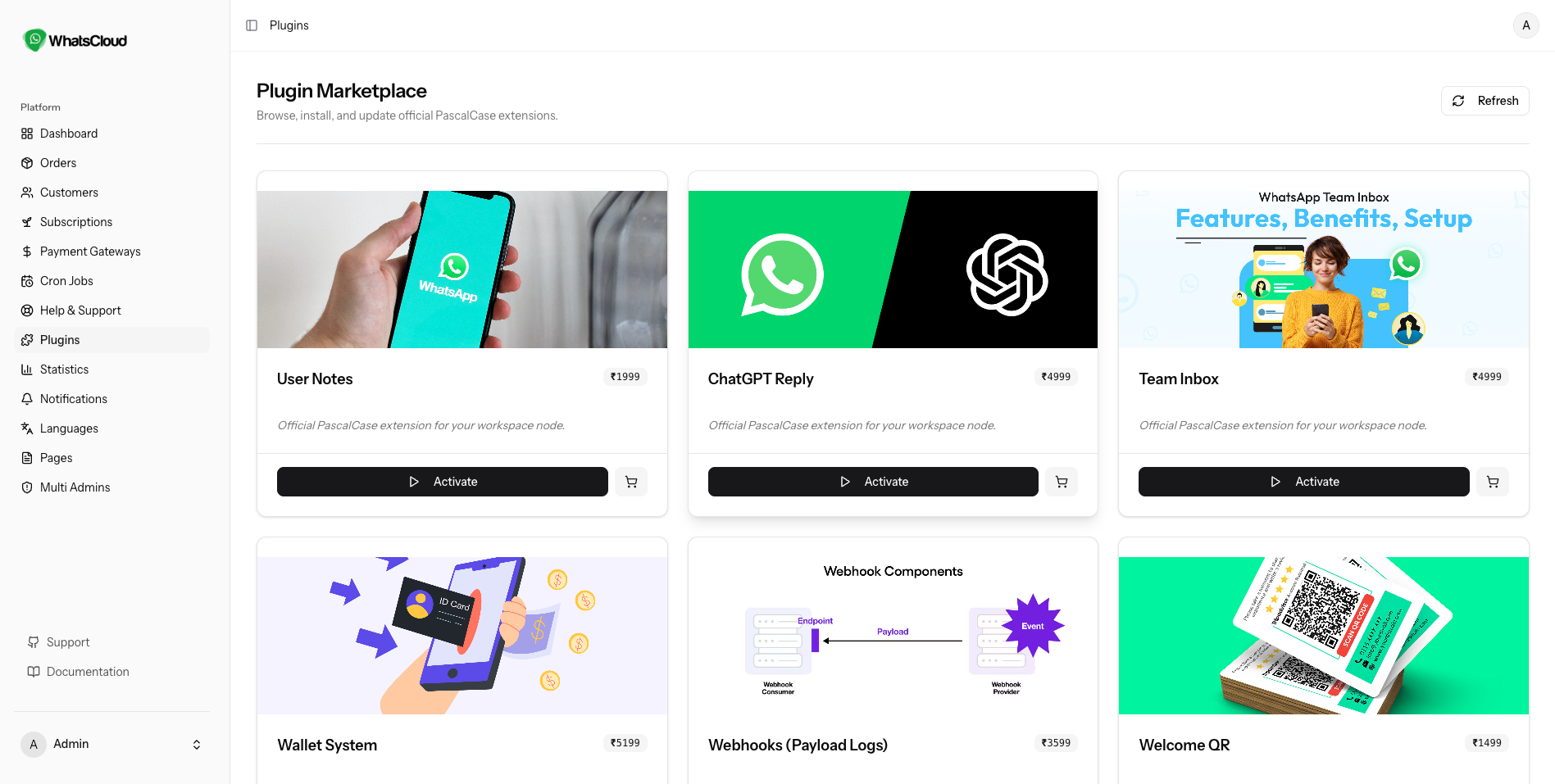
You can browse all available extensions by navigating to Admin > Plugins. This page acts as an internal marketplace where you can discover new tools like Chatbot Builders, Team Inboxes, or Advanced Analytics.
Installation Methods
There are two ways to install a plugin, depending on how you purchased it.
1. Cloud Installation (Recommended)
If the plugin supports One-Click Cloud Installation:
- Click Install on the desired plugin card.
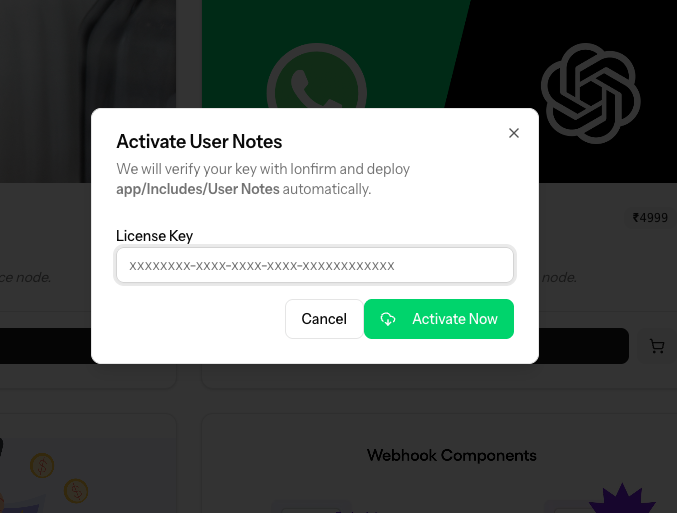
- Enter your Plugin License Key.
- The system will automatically validate the license, download the files, and install the plugin on your server.
2. Manual Installation (Zip File)
If you have a plugin zip file (e.g., downloaded from a marketplace):
- Click the Upload Plugin button at the top right.
- Select the
.zipfile from your computer. - Click Upload & Install.
Enabling for Users (Monetization)
Important: Simply installing a plugin does not automatically give it to your users. You must strictly control which subscription plans have access to which plugins. This allows you to upsell premium features.
How to enable a plugin for a specific plan:
- Go to Admin > Subscription Plans.
- Edit an existing plan (e.g., "Premium Plan").
- Scroll down to the Plugins section.
- You will see a toggle switch for every installed plugin.
- Enable the plugins you want to include in this plan.
- Click Update Plan.
Result: Now, only users subscribed to the "Premium Plan" will see the plugin in their sidebar. Users on the "Basic Plan" will not have access.
Specific Documentation
Because each plugin adds unique features (e.g., a "Flow Builder" works very differently from a "WooCommerce Integration"), we do not cover their usage in this general guide.
To find the specific guide for a plugin:
- Go to Admin > Plugins.
- Find the installed plugin.
- Click the "Documentation icon" link on the plugin card.
This will open the dedicated manual for that specific tool.